
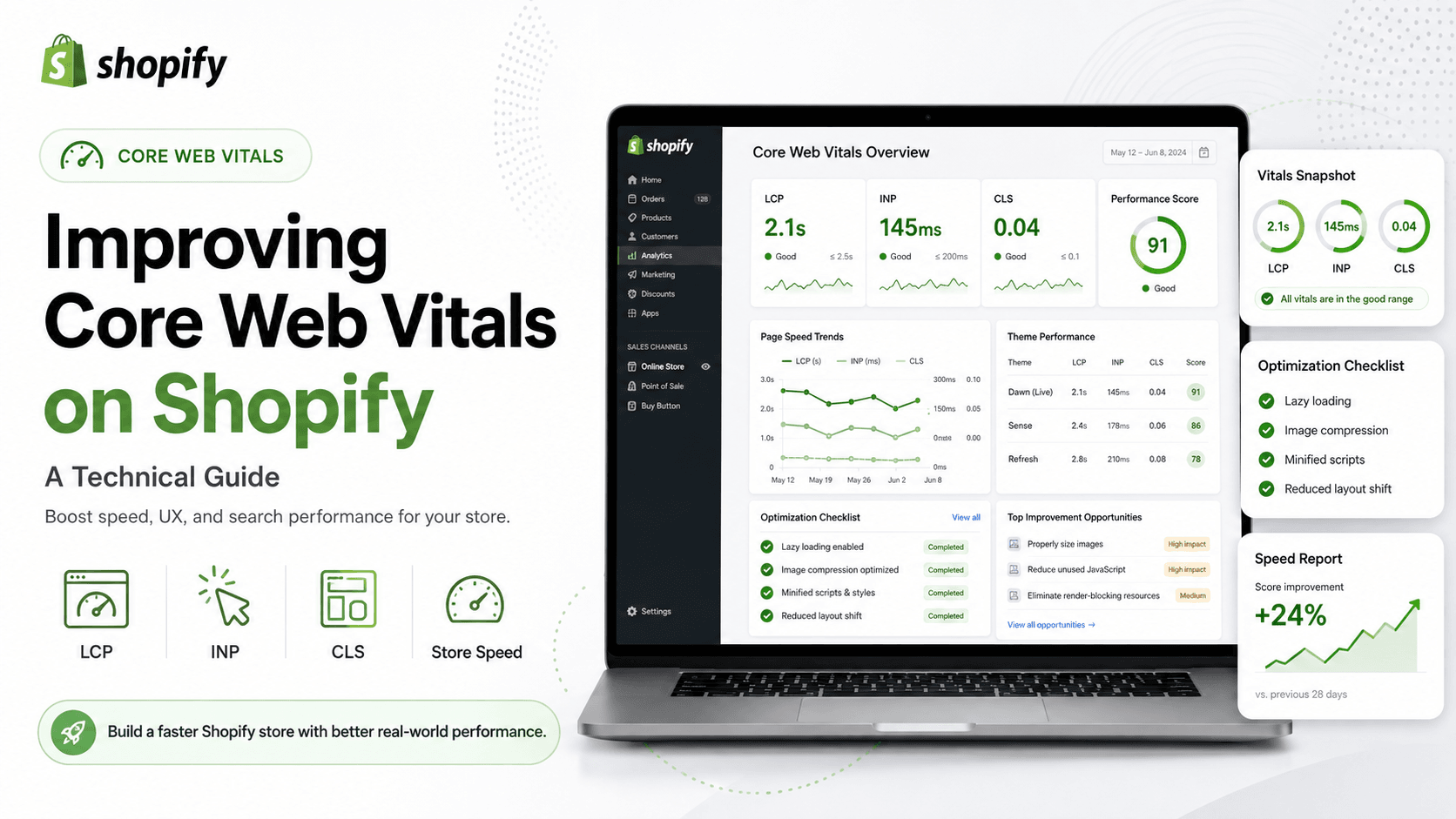
Core Web Vitals measure how real users experience page speed and stability. For Shopify stores in 2026, the most important practical signals remain Largest Contentful Paint (LCP), Cumulative Layout Shift (CLS), and Interaction to Next Paint (INP). Improving them helps both conversion and search performance when issues are real for mobile users.
Understand the three metrics
LCP tracks how quickly the main visible content appears. CLS tracks unexpected layout movement. INP tracks how quickly the page responds to user interactions. On ecommerce sites, product images, sticky headers, app widgets, and heavy scripts are frequent causes of poor scores.
Fix LCP on product and collection pages
Optimize hero and product images first. Serve correctly sized media, reduce oversized banners, and avoid delaying the primary image with unnecessary carousels or script-dependent rendering. Collection grids should not load huge uncropped images for every card.
Reduce CLS from theme and app behavior
Reserve space for images, banners, and embedded widgets. Avoid injecting late-loading announcements that push content down. Fonts that swap dramatically can also cause shifts — limit weights and use stable fallbacks.
Improve INP by reducing main-thread work
Too many third-party scripts, complex theme JavaScript, and aggressive upsell widgets can delay interaction. Audit apps, defer non-critical scripts, and simplify product template behavior. Tap responsiveness on mobile is especially important for add-to-cart actions.
Apps and third parties are usually the quiet problem
Reviews, chat, personalization, and marketing pixels accumulate. Each may be justified alone, but together they degrade vitals. Create an allowlist of essential scripts and test after every install or campaign tag change.
Measure with field data, not vanity lab scores only
Use Google Search Console and real-user monitoring where available. Lab tools help diagnose, but field data shows whether customers on real devices and networks feel the improvement. Prioritize templates with the most traffic and revenue.
A practical Shopify vitals workflow
Inventory scripts, optimize media, stabilize layout, then reduce interaction delay. Re-test product, collection, and homepage templates separately. Keep a monthly vitals review so marketing tools do not silently undo development wins.
XLOXI provides technical Shopify performance work focused on Core Web Vitals, cleaner themes, and conversion-minded speed improvements for 2026 storefronts.
Governance keeps Core Web Vitals healthy
Create a release checklist that includes performance smoke tests for homepage, collection, and product templates. Marketing teams should know that new pixels, chat tools, and pop-ups require review. Without governance, vitals regress after every campaign launch.
Prioritize fixes by revenue impact. A product template used by paid traffic deserves attention before a rarely visited page. Combine engineering fixes with merchandising decisions such as lighter homepage media.
In 2026, stores that win on experience treat Core Web Vitals as an operating habit. XLOXI helps teams install that habit with technical audits and implementation support.
XLOXI helps teams protect both speed and conversion with technical audits, theme cleanup, and implementation support for Shopify Core Web Vitals in 2026. A focused vitals sprint on product and collection templates often recovers revenue faster than a full redesign, especially when paid traffic is already sending qualified visitors to slow pages.